browse
-
To monitor the status of your order, please follow these steps:
-
Access Your Order Details:
- Locate the tracking information within your order details. If your order contains multiple items, each may have distinct delivery dates and tracking numbers.
-
Utilize the ParcelsApp Tracking Tool:
- Visit ParcelsApp and input your tracking number to view the current status of your shipment.
-
Contact Your Local Post Office:
-
-
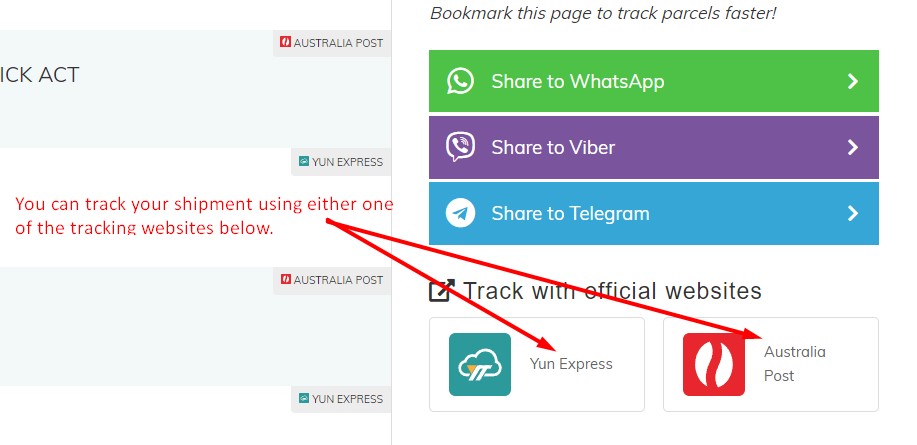
If your local post office has assigned a local tracking number for your parcel, use that new local tracking number to track the status of your shipment. Please check the photo below for how to identify your local tracking number.
-
If your local post office has not assigned a local tracking number, you can use the same tracking number to track your package using your country's local post office website. Please check the photo below on how to identify where to track your package.
-
-
-

WE'RE HERE TO HELP!
If you require further assistance, submit a ticket here. We will respond within 48 hours.